




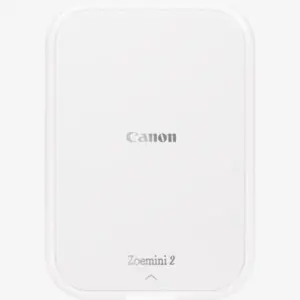
Printer
-
Print TechnologyZINK®
-
Print SpeedApproximately 50 second (Motor Start & Stop, at room temperature 25°C )
-
Print Resolution313 x 500 dpi
-
Borderless PrintingYES
-
ConnectivityBluetooth® 5.0
USB Type-C (Charging) -
Automatic Paper SensorYES (for Paper Detection/Paper Cover Detection)
-
BatteryBuilt-in Rechargeable lithium polymer Battery, 500mAh (0V Charging Support)
-
Battery LifeAverage 20 photo papers (TBC)
-
Auto-Power OffYES (3mins / 5mins / 10mins) (Setting on APP)
-
Reset ButtonYES
-
Charging SpeedApproximately 50 minutes (From 0% to fully charged)
Approximately 36 minutes (From 0% to 80%)
Approximately 20 minutes (From 0% to 50%)
Remark: Its fast charging speed requires the USB Adaptors supports QC, PD or [email protected] under temperature 10C – 40C condition. For other USB Adaptors such as [email protected] or lower, it may not support fast charge. -
DisplayN/A
-
Control Panel1. Power Button
-
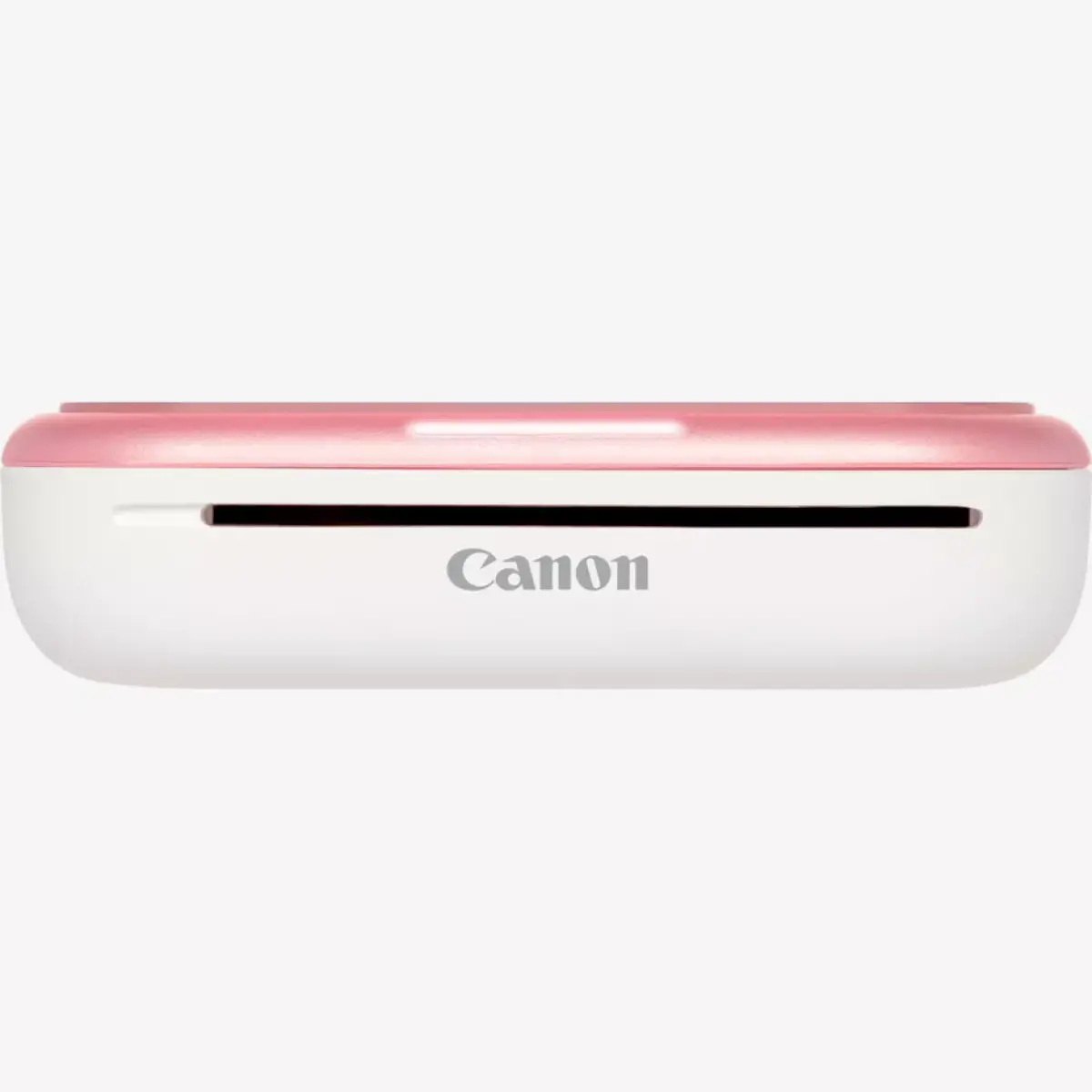
Supported Media TypeCanon ZINK® Photo Paper, Canon ZINK® Pre-Cut Sticker
-
Maximum Paper Size2.0 x 3.0
-
Paper CapacityUp to 10 sheets of Canon ZINK® photo paper + 1 SmartSheet®
-
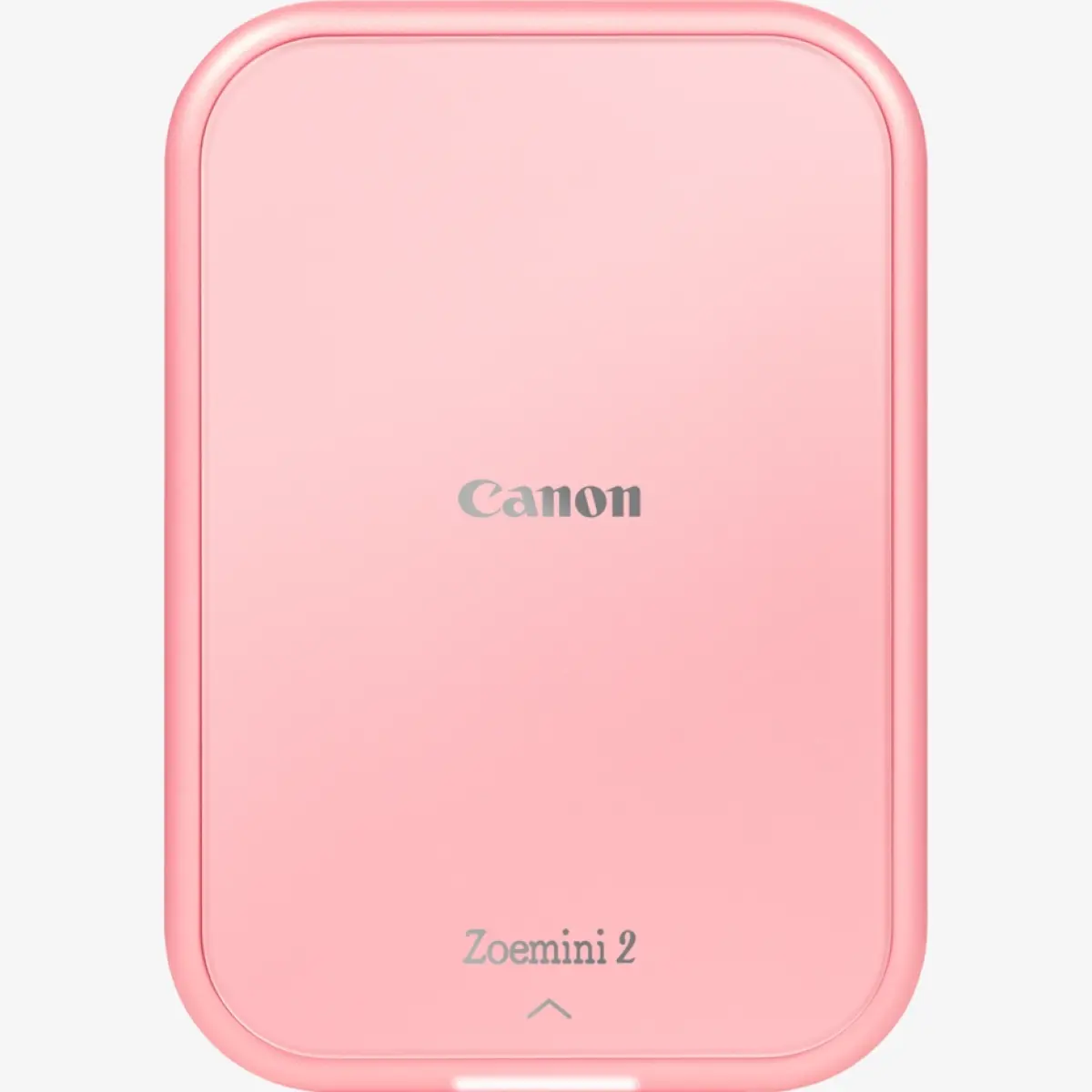
Body ColorRose Gold and White / White and Silver / Navy and White
-
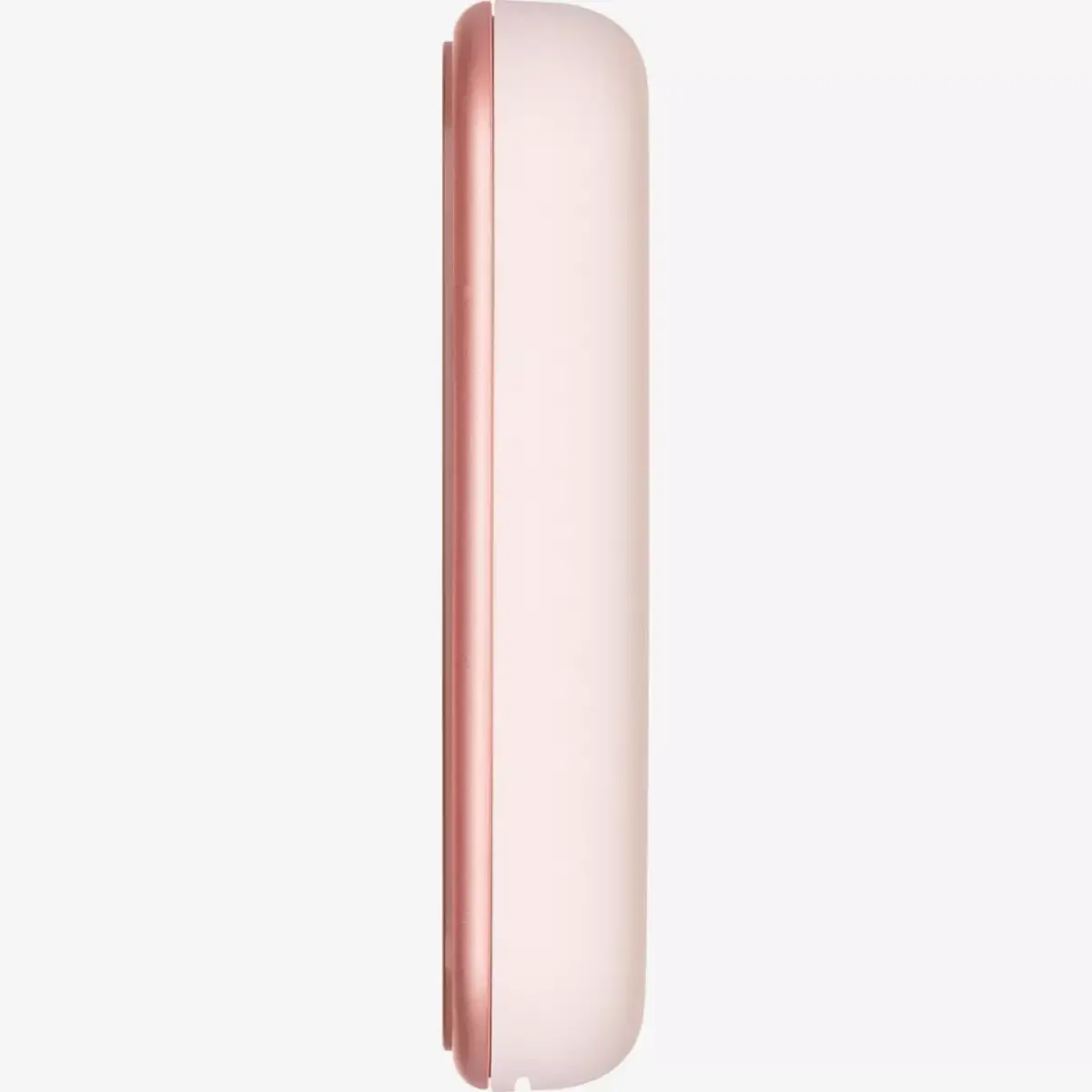
Body Size (W x H x D)120 x 84 x 21.5mm
-
Weight177g
-
Recommend Operating, Charging & Storage Temperature (℃)15 – 32°C (59 – 90°F)
-
Recommend Operating Humidity (RH)40-55% RH
-
Operating Temperature (℃)5 – 40°C (41 – 104°F)
-
Regulatory Model Identification NumberPP1003A / PP1003B
-
Operating Humidity (RH)<70%RH
Indicators
-
Bottom LED (Charging)Rear LED(Charging)
Red: Charging
Green: Charging Completed
Green flashing: Booting device
Red/Green Looping : Charging Fault -
Top LED (Status)Front LED (Status)
White On : Device is On and Standby
White Flashing : Booting Device / Standby without Bluetooth connection
White with breathing effect : Preparing Printing / Firmware Updating
Red On : Device is too High Temperture
Red Flashing : Cover Opened / Printer Error / No Paper / Paper Jam
Red/White Looping : Low Battery
Blue Flashing : non-Canon Smartsheet
Cyan On : Device is too Low Temperture
Cyan with breathing effect : Printer Head CoolingYellow/Magenta/Cyan/White Looping with breathing effect : Processing Smartsheet /Printer is Printing (Defult Setting)
Zink Photo Paper Information
-
Canon ZINK® Photo PaperCanon ZINK® Photo Paper (10 sheets per pouch)
2 x 3 photo paper size / Peel-and-sticky backCanon ZINK® Pre-Cut Sticker (10 sheets per pouch) – (Bundle Set Only)
2 x 3 photo paper size / 1.3 sticker size / Peel-and-sticky back -
Storage EnvironmentTemperature: 0 – 25°C, Humidity: 40-55% RH
Accessories
-
CaseSet B:
Printer pouch case x 1
Compatible Operating Systems & App
-
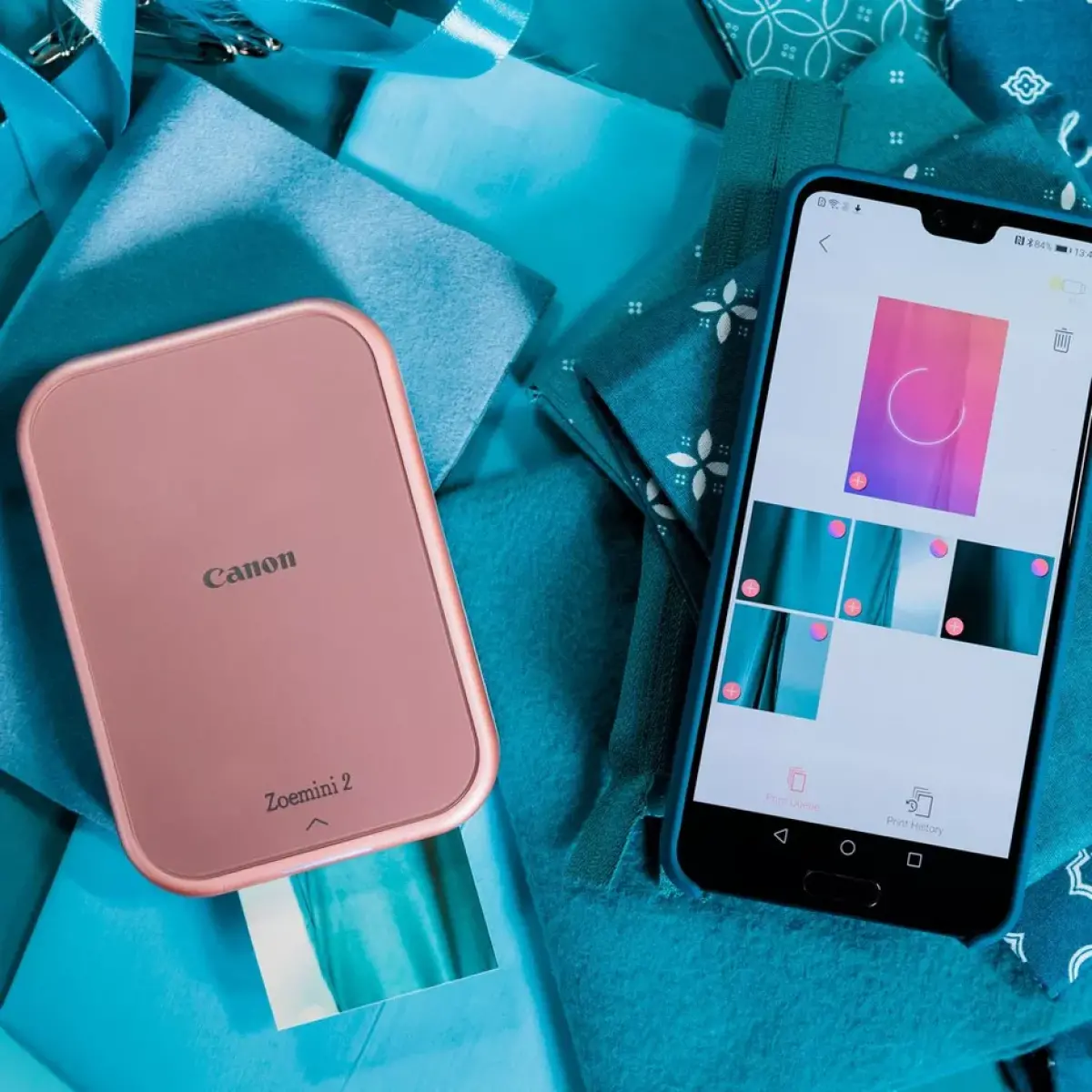
Compatible OS (for Mobile App)iOS 12.0 or above & Android 6.0 or above
-
Compatible OS (for Computer)Canon Mini Print
Reviews
There are no reviews yet.