
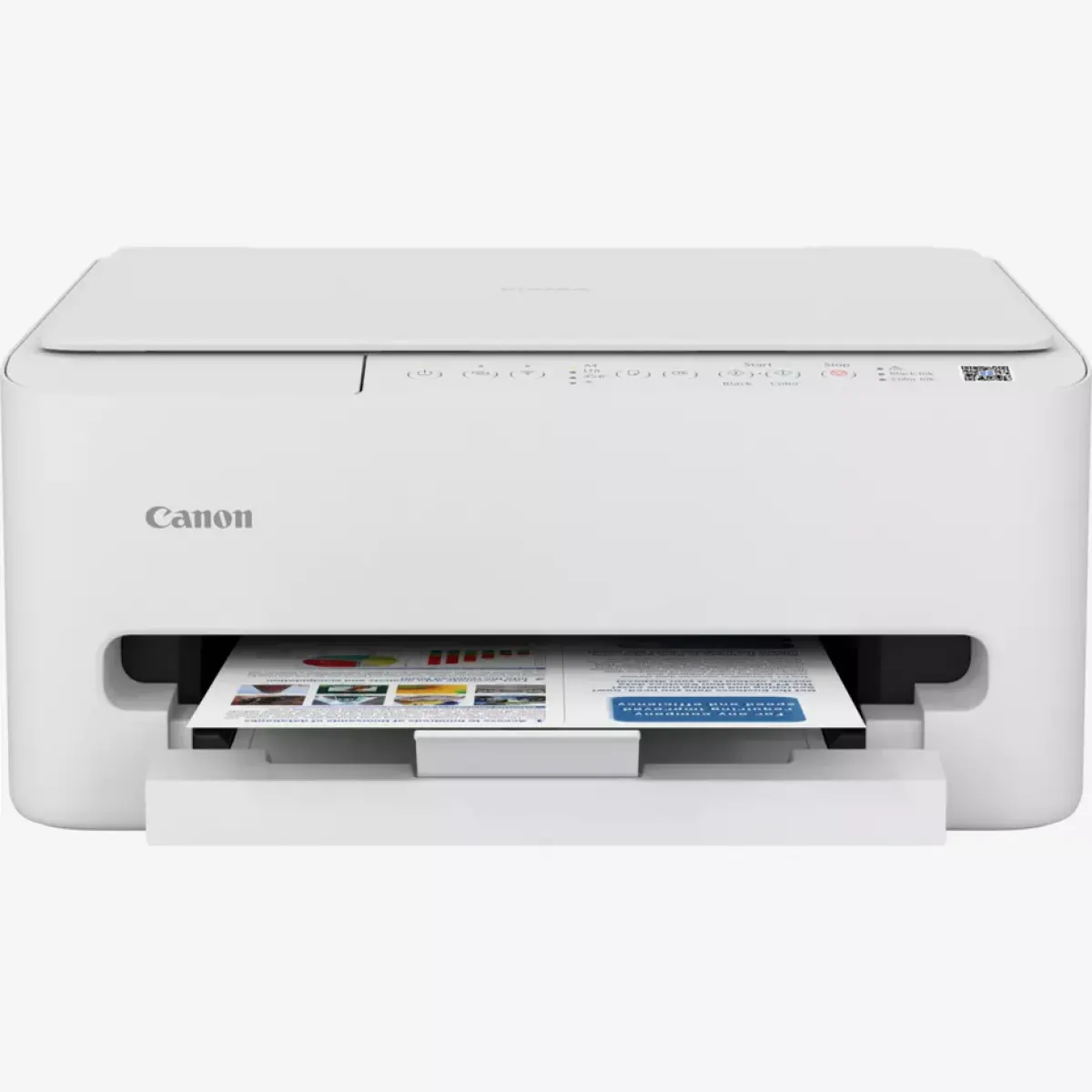
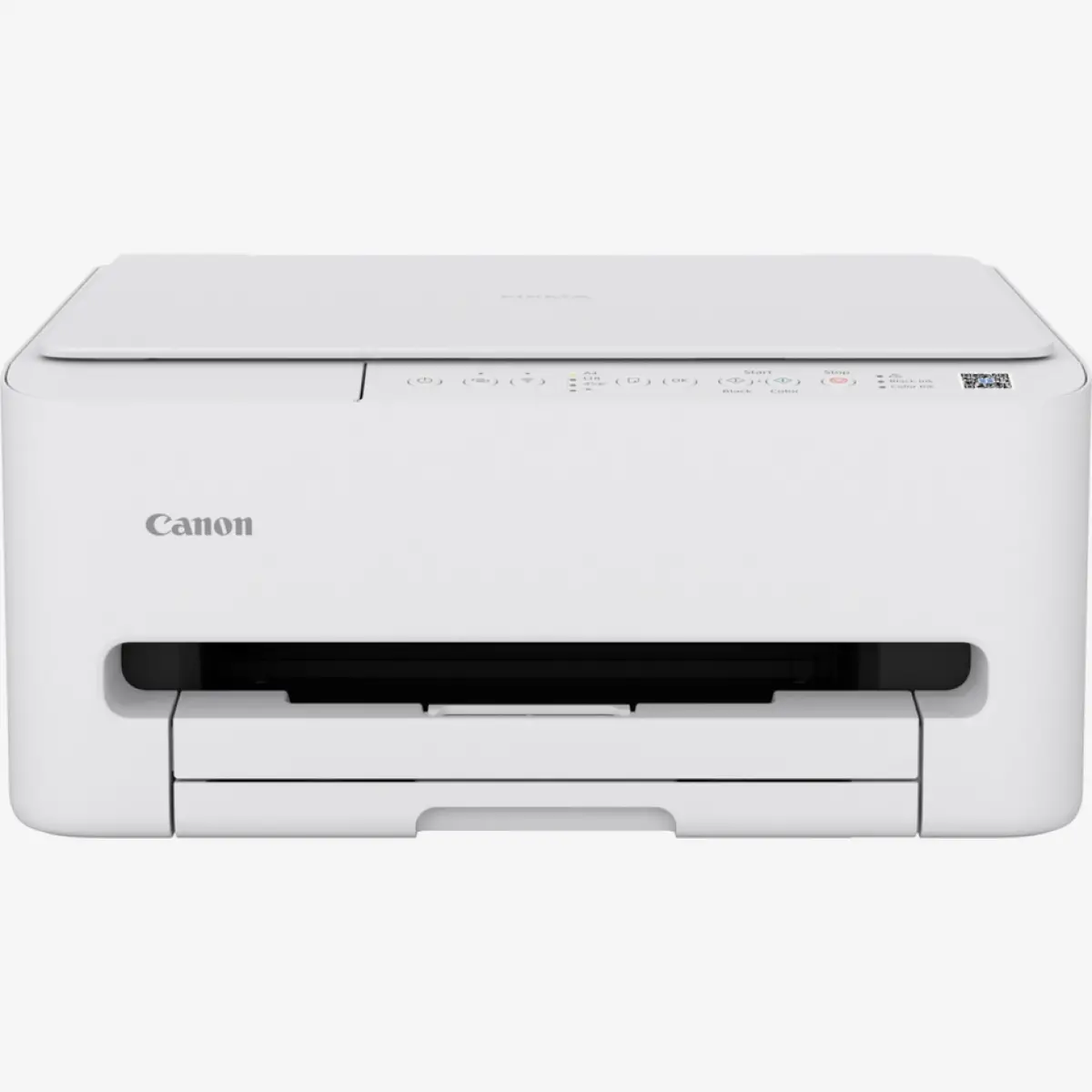
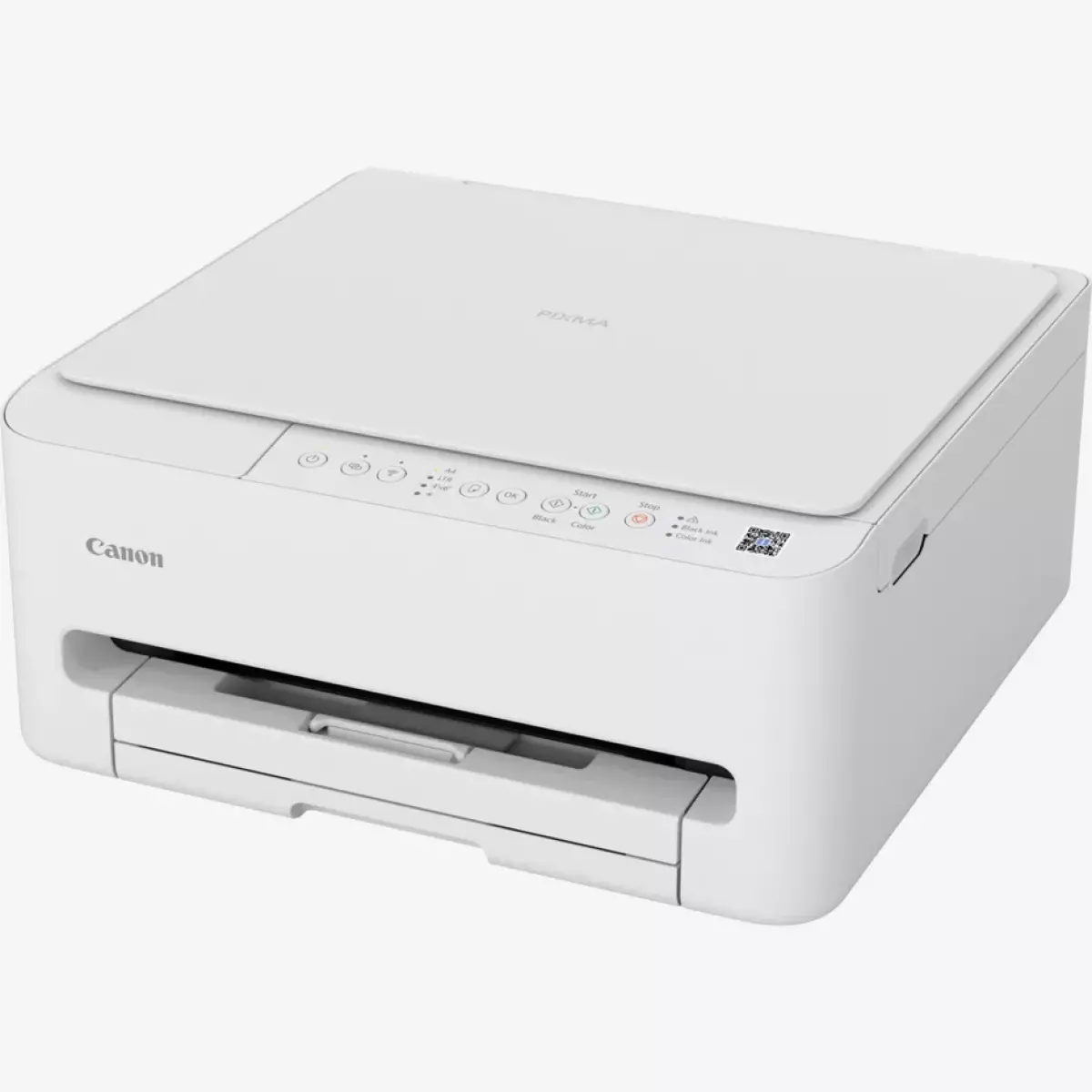
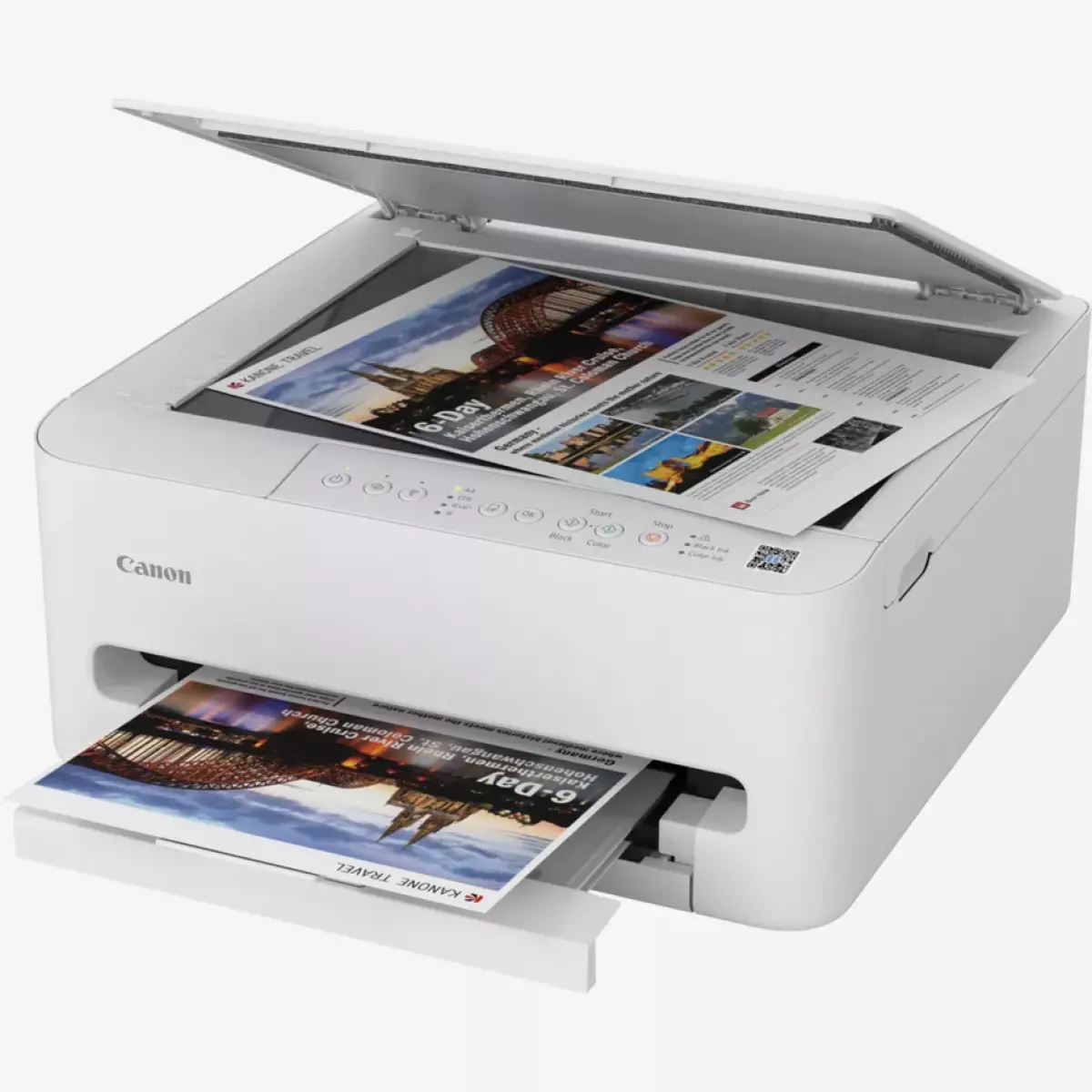
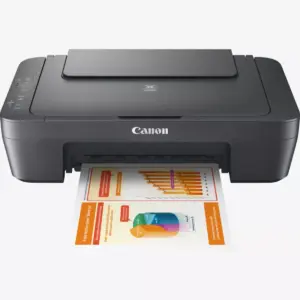


General Specifications
-
Model NumbersPIXMA TS4140i
Printer Specifications
-
Print ResolutionUp to 1200 x 1200 dpi1
-
Print Technology2 ink cartridges: Black (Pigment BK) and Colour (C, M, Y) Inkjet FINE print head
-
Mono Print SpeedApprox. 14.0 ipm2
-
Colour Print SpeedApprox. 9.0 ipm3
-
Photo Print SpeedBorderless 10x15cm : Approx. 39 seconds4
-
First-Print-Out TimeMono: 7.5 sec (ready)
Colour: 9.5 sec (ready)5 -
Borderless Printing
-
Two Sided PrintingAuto Duplex Print (A4, LTR – Plain Paper)
Cartridges and Yields
-
Standard Ink CartridgesPG-495 (Black)
CL-486 (Colour) -
Optional XL Ink CartridgesPG-495XL (Black)
CL-486XL (Colour) -
Cartridge Yield (Plain Paper)
-
XL Cartridge Yield (Plain Paper)
-
Cartridge Yield (Photo)
Paper Support
-
Paper TypesPlain Paper (64 g/m2 – 105 g/m2)
Canon Red Label Superior (WOP111)
Canon Oce Office Colour Paper (SAT213)
High Resolution Paper (HR-101N)
Photo Paper Plus Glossy II (PP-201)
Photo Paper Pro Luster (LU-101)
Photo Paper Plus Semi-gloss (SG-201)
Matte Photo Paper (MP-101)
Glossy Photo Paper “”Everyday Use”” (GP-501)
Envelope
Greeting Card (manufactured by Avery and RedRiverPaper) -
Maximum Paper InputCassette: Max. 100 sheets (plain paper)
-
Paper SizesA4, A5, B5, LTR, 4″” x 6″”, 5″” x 7″”, 7″” x 10″”, 8″” x 10″”,
Square (127 mm x 127 mm),
#10 Envelope, DL Envelope,
[Custom size] width 89 mm – 215.9 mm, length 127 mm – 297 mm -
Paper WeightCassette: Plain paper: 64 – 105 g/m²
Canon specialty paper: max paper weight :
approx. 265 g/m2
(Photo Paper Plus Glossy II PP-201)
Scanner Specifications
-
Scanner TypeFlatbed
-
Scanner Resolution (Optical)1200 x 2400 dpi10
-
Line Scanning SpeedGreyscale: Approx. 6.05 sec(A4), Approx. 5.69 sec(LTR), (Approx. 1.8 ms/line) (300 dpi)
Colour: Approx. 12.10 sec(A4), Approx. 11.39 sec(LTR), (Approx. 3.5 ms/line) (300 dpi)11 -
Scanning Depth (Input / Output)Colour: RGB each 8bit
Greyscale: 8 bit” -
Maximum Document SizeFlatbed: A4 / LTR (216 mm x 297 mm)
Copier Specifications
-
Copy SpeedsFCOT/Simplex: Approx. 18 sec.12
sESAT/Simplex: Approx. 2.0 ipm -
Multiple Copy99 copies max.
-
Copy FunctionsStandard Copy, Photo Copy, Borderless copy
-
Copy ZoomFit to page
Connectivity
-
Wireless LANCommunication Protocol: SNMP/ HTTP/TCP/IP (IPv4/IPv6)
TLS 1.3/1.2
Supported Standards: IEEE802.11n, IEEE802.11g, IEEE802.11b, IEEE802.11a13
Frequency Bandwidth: 2.4GHz
Range: Indoor 50 m ※depends on the transmission speed and conditions
Security:
WPA-PSK(AES)
WPA2-PSK(AES)
WPA3-SAE(AES) -
InterfaceHi-Speed USB B Port
-
Mobile Apps
-
Printer Features
Software
-
Supported Operating SystemsWindows 11、Windows 10、Windows 8.1、Windows 7 SP1
Operation can only be guaranteed on a PC with pre-installed operating system.
Printer Driver and IJ Printer Assistant Tool support the following OS: Windows Server 2008 R2 SP1、Windows Server 2012 R2、Windows Server 2016、Windows Server 2019, Windows Server 2022 and Windows Server 2025.
Display environment: XGA 1024 x 768 or more
Mac: macOS Montrey 12 – macOS Sequoia 15
Mobile Operating Systems: iOS®, iPadOS, Android™, Chrome OS19 -
Software IncludedPrinter Driver
IJ Printer Assistant Tool
Easy-PhotoPrint Editor (download)20
Easy-Layout Editor (download)
Physical Features
-
WeightApprox. 5.2 kg
-
Dimensions (W x D x H)Approx. Approx. 374 x 355 x 168 with the trays retracted
Approx. 374 x 533 x 168 with the trays extended” -
Acoustic Noise LevelsApprox. 47.0dB(A) (PC Print on Plain Paper)21
-
Recommended Operating EnvironmentTemperature: 15-30°C
Humidity: 10-80%RH (no dew condensation) -
Power SourceAC 100-240V, 50/60Hz
-
Power ConsumptionOff: Approx. 0.10W Copying: Approx. 15W22
Standby (USB connection to PC): Approx. 0.9W
Standby (all ports connected): Approx. 1.5W*
Time to enter Standby mode: 10 minutes 05 seconds*
*< EU only – for ErP Lot 26 regulation>
Reviews
There are no reviews yet.